The Best Budget by Paycheck Spreadsheet (Google Sheets & Excel)
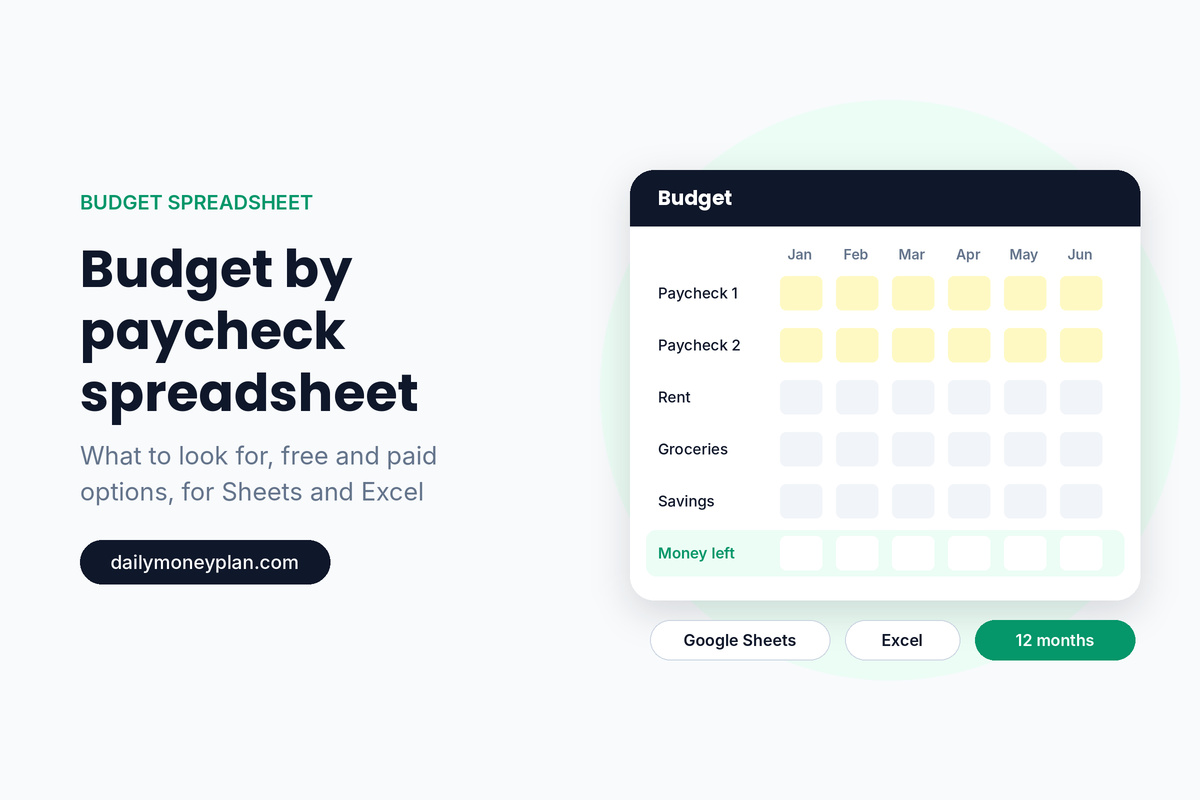
If you’ve decided to budget by paycheck, the right spreadsheet makes it much easier to keep going. You type in a few numbers, and it shows you what’s covered, what’s due, and what’s left to spend until payday.
But there are a lot of options, and they’re not all built the same. This guide covers what a good budget by paycheck spreadsheet should do, how the main options compare (including free ones), and how to pick the right one for you.
Full disclosure: we make a budget by paycheck spreadsheet, and we’ll show you exactly what’s in it below. We’ll also tell you who it’s not for, and when a free option is all you need.
What a Good Budget by Paycheck Spreadsheet Should Do
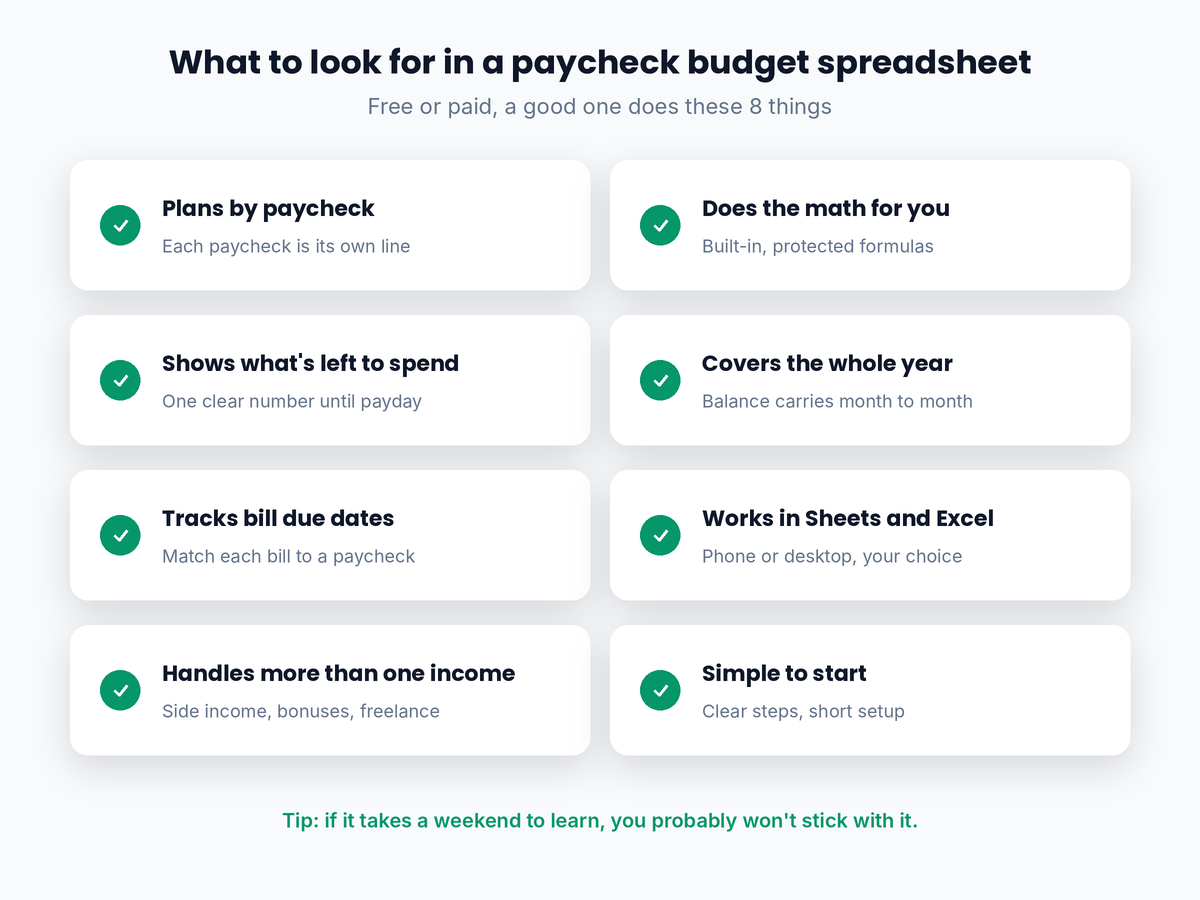
Whatever you choose, look for these eight things:
- Plans by paycheck, not just by month. Your paychecks should be separate lines, so you can see what each one covers.
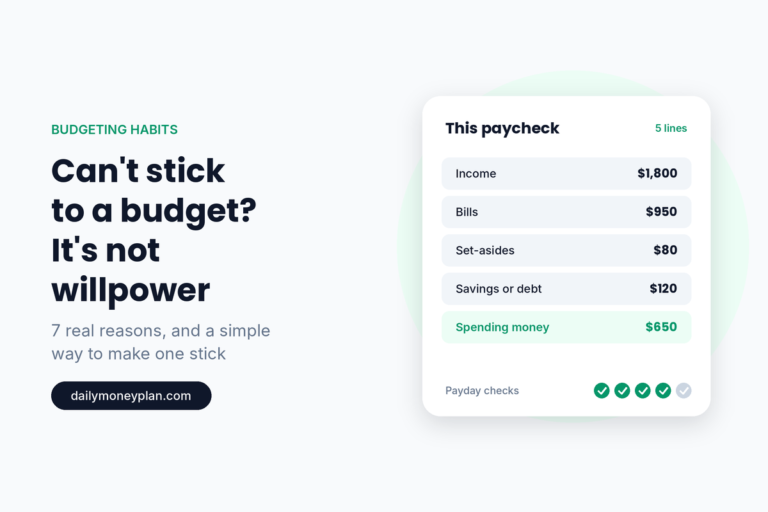
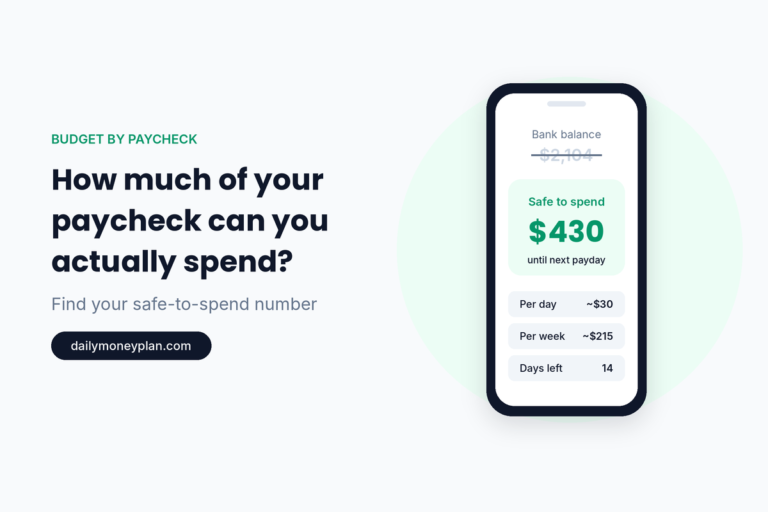
- Shows what’s left to spend. One clear number for what’s safe to spend after bills and savings. Here’s how much of your paycheck you can actually spend.
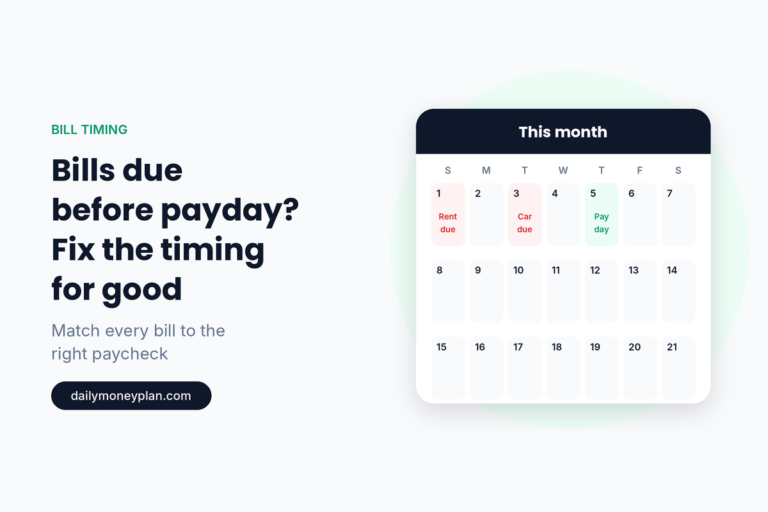
- Tracks bill due dates. So you can match each bill to the right paycheck. Here’s what to do when bills are due before payday.
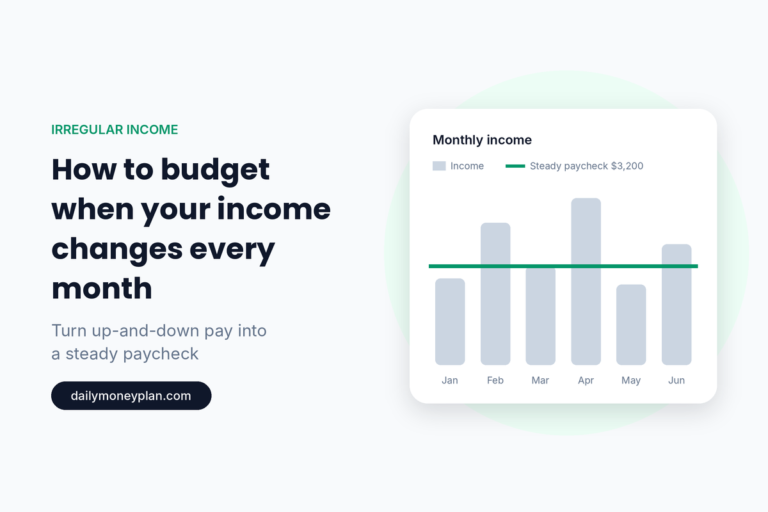
- Handles more than one income. Side income, bonuses, and freelance pay should each have a place, especially if your income changes every month.
- Does the math for you. Formulas should be built in and protected, so you can’t break them by accident.
- Covers the whole year. A month-by-month view with a balance that carries forward shows your real progress, and the months with an extra paycheck.
- Works where you do. Google Sheets for your phone, Excel for your desktop. Ideally both.
- Is simple to start. Clear instructions and a short setup. If it takes a weekend to learn, you probably won’t stick with it.
Your Options, Compared Honestly
1. Build your own (free) Great if you enjoy spreadsheets and want full control. The downside is time. Getting the formulas, due dates, and month-to-month balances right takes a while, and a single broken formula can throw everything off.
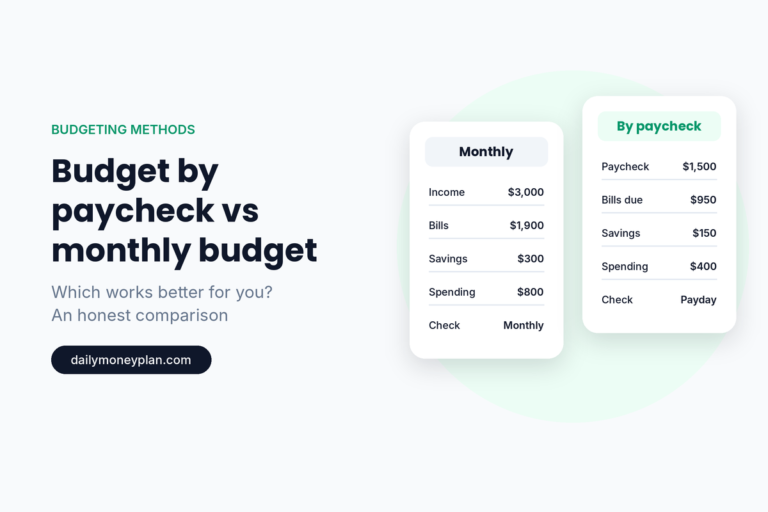
2. Free monthly budget templates (free) There are plenty of good free monthly templates, including the ones built into Google Sheets and Excel. They’re a fine start. But most plan by the month, not by the paycheck, so they don’t show what each paycheck has to cover. If you’re paid every two weeks, that’s the part that matters most. Here’s how to budget when you get paid every two weeks.
3. Low-cost paycheck templates (usually under $10) You’ll find many on Etsy, Gumroad, and similar sites. Some are very good. Before you buy, check a few things:
- Does it work in both Google Sheets and Excel? Some are Google Sheets only.
- Does it cover one month or the whole year?
- Does the balance carry from month to month?
- Are the formulas protected, and are there instructions?
4. Budgeting apps (usually a subscription) Apps can connect to your bank and sort transactions automatically, which saves typing. The trade-offs: most charge monthly or yearly, they work their way rather than yours, and auto-sorting can make it easy to stop paying attention. Spreadsheets take a few minutes of typing, but many people find that’s exactly what keeps them aware of their money.
5. A full-year paycheck system (one-time price) A complete workbook with paychecks, bills, debt, savings, and goals for all 12 months, plus a dashboard. It costs more than a single-month template, but you buy it once and use it all year. That’s the kind we make, and it’s below.
Google Sheets or Excel?
Both work well. Pick the one you’ll actually open.
- Google Sheets is free, works on any device including your phone, and saves automatically. It’s a great choice if you’ll check your budget on the go.
- Excel is great if you prefer working on a computer, offline, or already use Microsoft 365.
If you’re not sure, choose a spreadsheet that comes in both, so you can switch later without starting over.
Spreadsheet or App?
If you want everything automatic, an app may suit you better. If you want something simple that you own, with no subscription, that shows exactly what each paycheck covers, a spreadsheet is hard to beat. And if you’ve tried apps before and drifted away, you’re not alone. Here’s why it’s hard to stick to a budget and what actually helps.
Not ready to buy? Try the free Starter first
Grab the free Budget by Paycheck Starter — type in your numbers and it shows your “money left to spend” automatically.
Free forever. No spam. Unsubscribe anytime.
The Budget by Paycheck System: What’s Inside
The Budget by Paycheck System is the spreadsheet we built for people paid weekly, every two weeks, twice a month, or on an income that changes. It follows the same method as our guide on how to budget by paycheck.
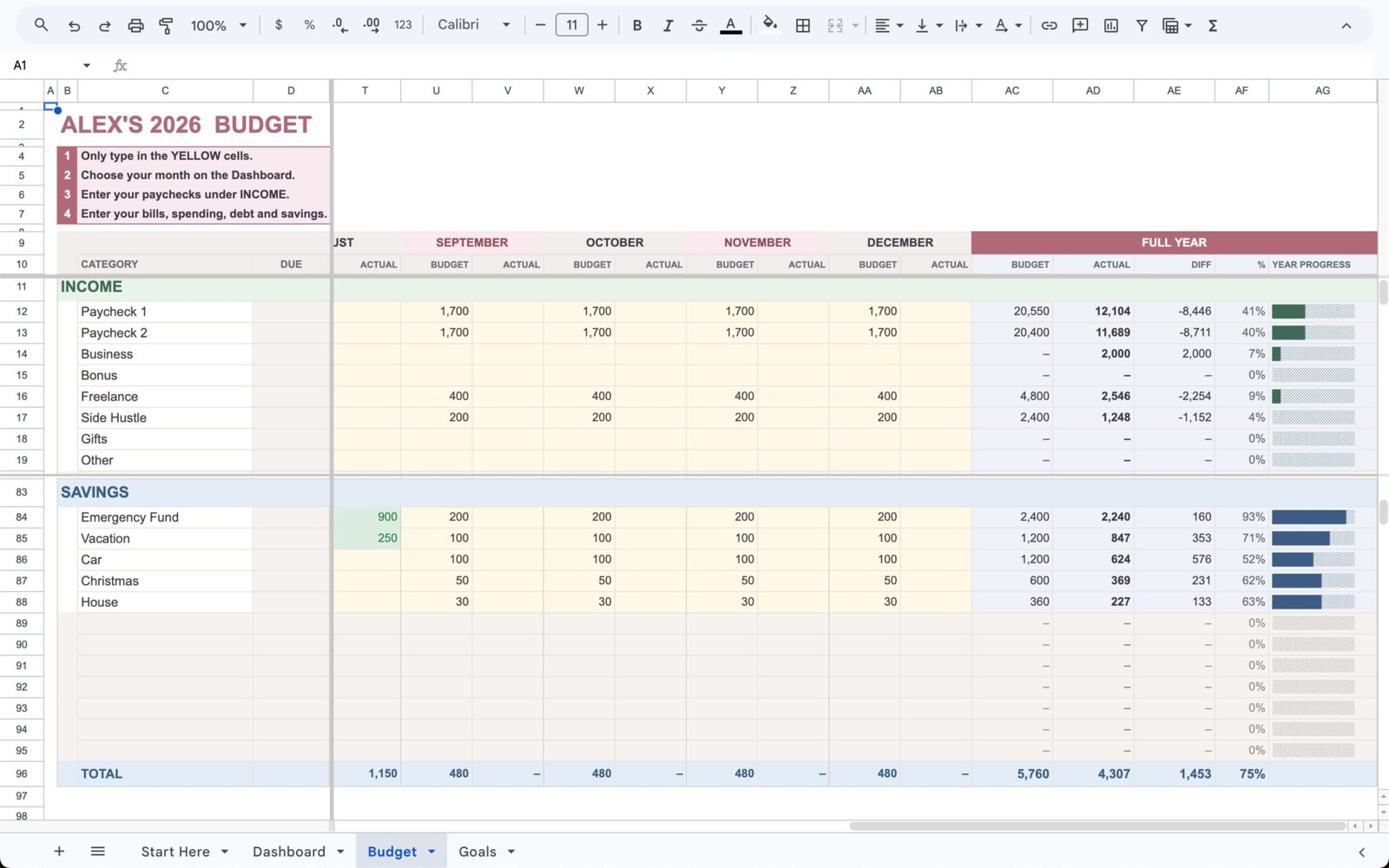
The whole year in one file
- All 12 months sit side by side in one Budget tab, with a full-year total. No copying tabs or starting a new file each month.
- Each month’s closing balance rolls into the next month’s opening balance, so you always see your real cash flow.
- That also makes your extra-paycheck months easy to plan.
Built around your paychecks
- 8 income lines: Paycheck 1, Paycheck 2, Business, Bonus, Freelance, Side Hustle, Gifts, and Other.
- A DUE column for every bill and debt, so you can see which paycheck covers what.
- Budget and Actual columns for every month.
- Sections for Bills, Expenses, Debt, and Savings.
A dashboard that shows where you stand
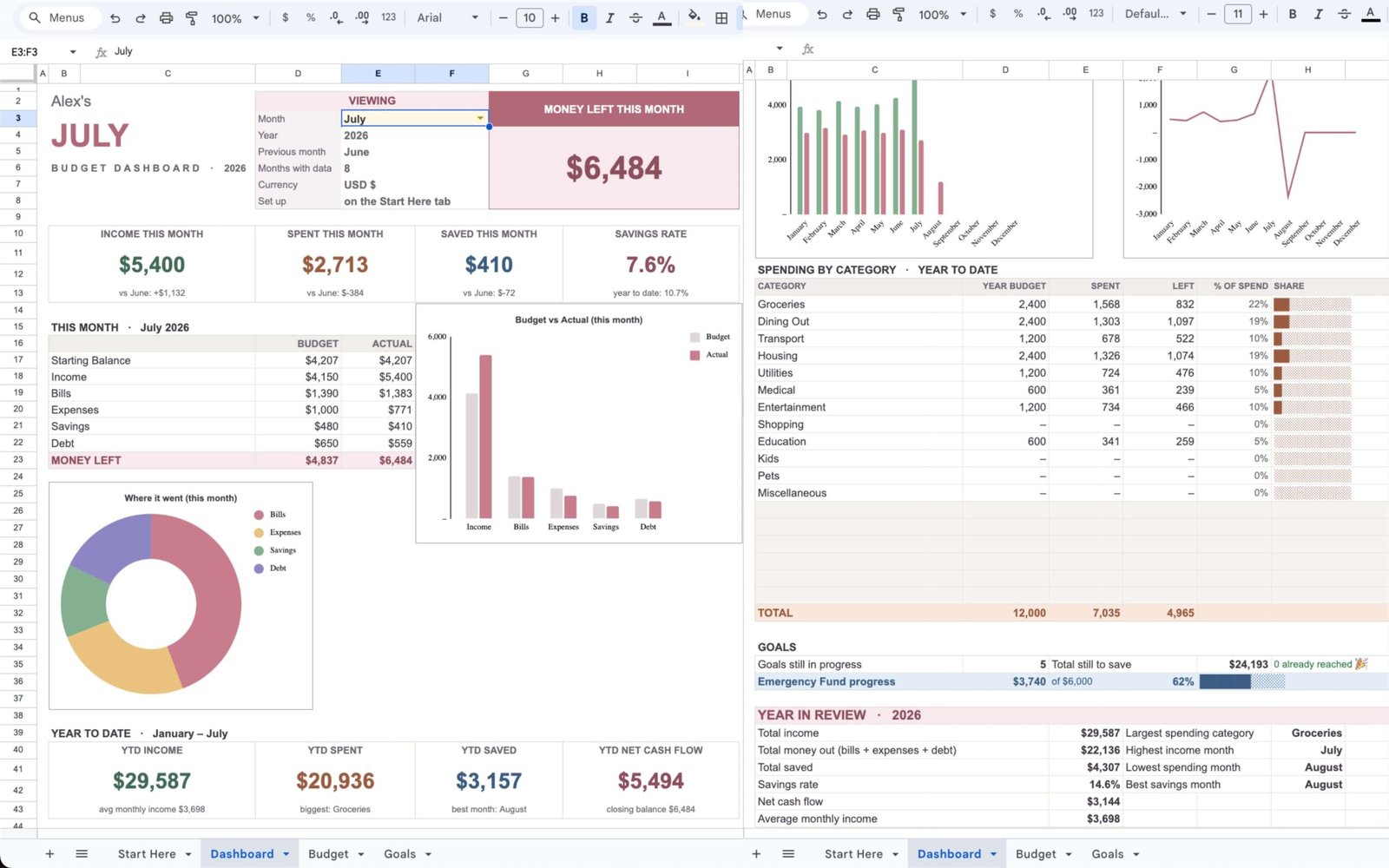
- Pick any month and see Money Left This Month, plus what came in, what went out, what you saved, and your savings rate.
- Budget vs. actual for the month at a glance.
- A year-to-date view: total income, spending, savings, net cash flow, your average monthly income, your best month, and your closing balance.
Goals that stay connected
- Set savings goals (like an emergency fund, vacation, or holidays) and watch the progress update as you save.
Easy to use
- Works in Google Sheets and Excel.
- Type only in the yellow cells; the formulas are protected.
- A Start Here tab walks you through setup.
- Choose from 9 currencies, including USD, GBP, EUR, CAD, and AUD.
- Includes a filled-in demo file, so you can see it working before you add your own numbers.
Price: $27, one time. No subscription. Backed by a 14-day money-back guarantee.
Get the Budget by Paycheck System →
Who It’s Not For
We’d rather you get the right tool than the wrong one from us.
- You want your bank to sync automatically. The System is a spreadsheet. You type in your numbers (it takes a few minutes per paycheck). If you want automatic imports, an app is a better fit.
- You want a paper planner. The System is digital. A printable may suit you better.
- You’re paid monthly and happy with a monthly budget. You may not need a paycheck system at all. Here’s an honest look at budget by paycheck vs monthly budgeting.
- You just want to try paycheck budgeting for one pay period. Start with the free Starter below.
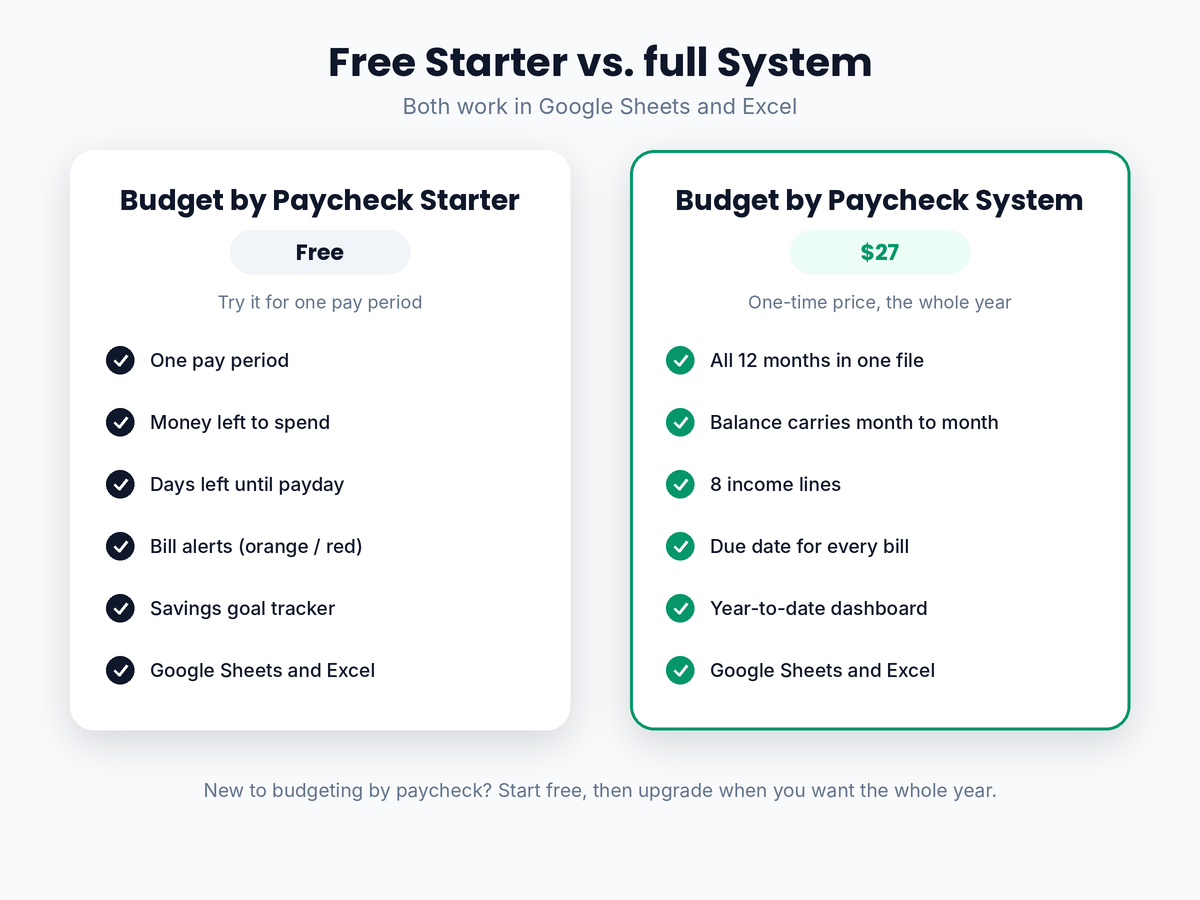
Free Starter vs Full System
| Free Starter | Budget by Paycheck System | |
|---|---|---|
| Covers | One pay period | The whole year (12 months) |
| Money left to spend | ✓ | ✓ (per month, on the dashboard) |
| Bill alerts / due dates | Orange when due within 7 days, red when overdue | DUE column for every bill and debt |
| Income lines | Your pay for the period | 8 separate lines |
| Balance carries month to month | No | Yes |
| Year-to-date totals | No | Yes, including average monthly income and best month |
| Savings goals | ✓ | ✓ (linked to savings categories) |
| Google Sheets and Excel | ✓ | ✓ |
| Price | Free | $27 one time |
Our honest suggestion: if you’ve never budgeted by paycheck, start with the free Starter for a pay period or two. If you like it and want the whole year in one place, upgrade to the System.
How to Get Started This Payday
Whichever spreadsheet you choose, the first week matters most:
- Enter your next paycheck and the date of the one after it.
- List the bills due before that next payday, with their due dates.
- Add a small savings amount, even $10 or $20.
- Check your money left to spend. That’s your number until next payday.
- Set a 15-minute reminder for every payday to update it.
FAQ
What is a budget by paycheck spreadsheet?
A budget by paycheck spreadsheet plans your money one paycheck at a time. You enter each paycheck, the bills due before your next payday, and your savings, and it shows what’s left to spend. Good ones also track due dates and do the math for you.
Is there a free budget by paycheck spreadsheet?
Yes. Our free Budget by Paycheck Starter covers one pay period in Google Sheets or Excel. You can also build your own or adapt a free monthly template, though most of those plan by the month rather than by paycheck.
Should I use Google Sheets or Excel?
Google Sheets is free and works well on your phone. Excel is great on a computer and offline. If you’re unsure, pick a spreadsheet that comes in both, so you can switch later.
Is a spreadsheet better than a budgeting app?
It depends on you. Apps can sync with your bank automatically, but usually cost a subscription. A spreadsheet takes a few minutes of typing per paycheck, costs little or nothing, and many people find it keeps them more aware of their money.
Can one spreadsheet cover the whole year?
Yes, if it’s built that way. The Budget by Paycheck System keeps all 12 months in one workbook, and each month’s ending balance carries into the next, so you see your progress and your year-to-date totals in one place.
Does it work if my income changes?
Yes. The System has eight separate income lines, and the dashboard shows your average monthly income and best month so far, which helps when your pay isn’t the same every month.
The Right Tool Is the One You’ll Open
The best budget by paycheck spreadsheet is the one you’ll actually open every payday. Look for one that plans by paycheck, shows what’s left to spend, tracks due dates, and does the math. If you’re new, try the free Starter first. If you want the whole year in one place, the System is ready when you are.
Get the Budget by Paycheck System →

Try budgeting by paycheck free for one pay period
Grab the free Budget by Paycheck Starter. Type in your numbers and it shows your “Money Left to Spend” instantly — no complicated setup.
- See your safe-to-spend number the moment you fill it in
- Built for weekly & biweekly paychecks
- Works in Google Sheets and Excel, on any device
Free forever. No spam. Unsubscribe anytime.
This article is for general education only and isn’t personalized financial advice. Daily Money Plan makes the Budget by Paycheck Starter and System mentioned in this article.